
-
Drum Programming: Start from zero to build a powerful drum set that drives the track.
-
Bassline Creation: Learn to record and refine basslines that give your track its pulsating rhythm.
-
Acid Elements: Incorporate those distinctive acid sounds to add flavor and character.
-
Mixing Techniques: Mix your elements to achieve that big beat sound with depth and punch.
-
0:00 - Introduction
-
2:55 - Programming Drums from Absolute Scratch
-
5:25 - Tightening the Kick and Snare
-
7:10 - Adding a Sub Kick Drum
-
9:11 - Throwback: My First Beats 25 Years Ago
-
11:35 - Achieving a Super Drum Groove
-
12:34 - Recording a Bass Line in MIDI
-
16:55 - Crafting That Nasty Bass Sound
-
21:40 - Layering with a 303 Acid Top
-
27:37 - Creating a Distorted Pad
-
30:38 - Final Thoughts
How to Make Big Beat Breakbeat Like The Chemical Brothers in Logic Pro X
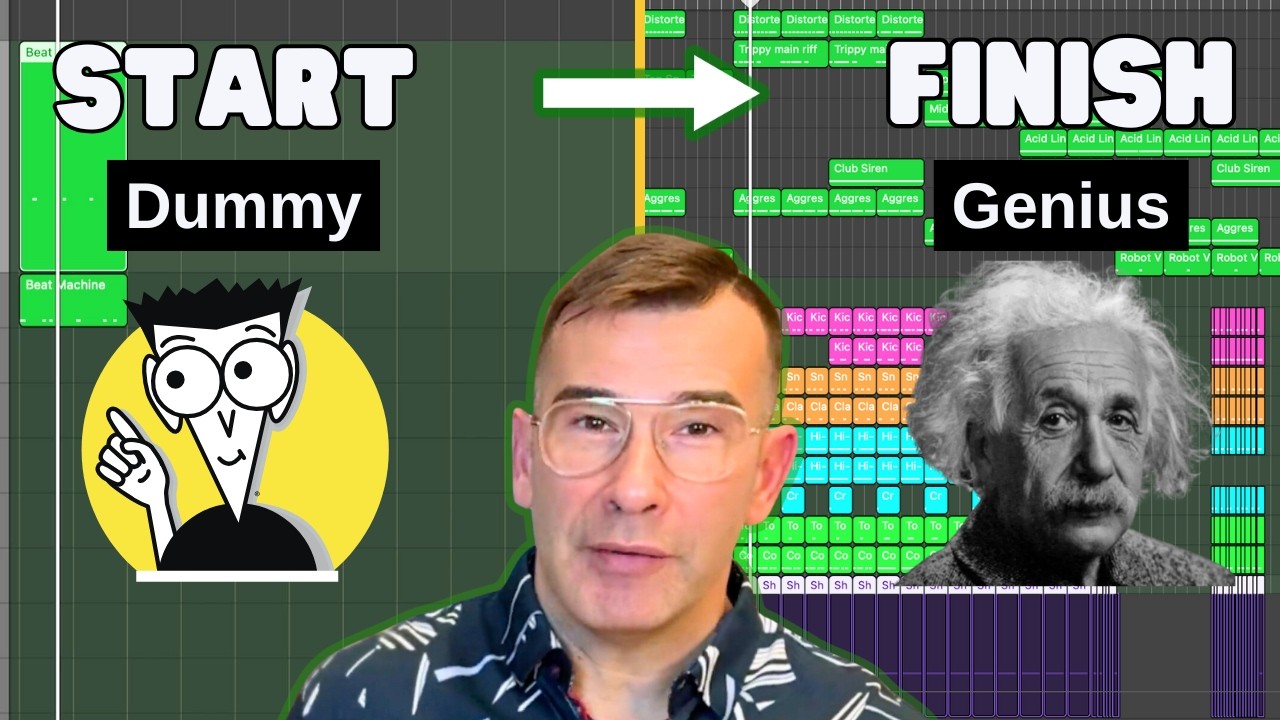
In episode 354 of his live electronic tutorial series, Mikas of WeMakeDanceMusic steps away from melodic house and dives into one of his first loves — raw, stomping big beat and breakbeat in the spirit of The Chemical Brothers and The Crystal Method. Working at 128 BPM and building everything from scratch in Logic Pro X, he programs layered drums, writes a nasty distorted bass, adds a 303-style acid line, and shapes it all into the start of a finished track — in real time, with the coffee going.
What you’ll learn
- Programming a breakbeat groove from scratch and quantizing without killing the feel
- Tuning your drums to a single key so the whole kit sits in tune with the bass
- Adding grit with distortion and bit-crushing on the kick, snare and clap
- Layering a sub “boom” hit underneath the kick for weight
- Designing a chunky bass and a 303-style acid line in Alchemy
- Using delay and effects to give the drums and acid parts more dimension
1. Program the drums from scratch
Mikas starts every track the same way: input the drum pattern as MIDI first, then quantize it. He checks the result carefully because aggressive quantizing can sometimes destroy the groove rather than fix it. He drops in a kick, a rim and a snare, nudges the kick to where it actually belongs in the bar, and removes an annoying click from one of the samples so the foundation is clean before he builds on top.
2. Tune the kit to one key
Digging into the kick sample, he checks its root key and finds it sitting in D — slightly lower than the original. Rather than fight it, he commits to keeping every drum tuned to that same key. The plan is to write the bass in D too, so the drums and bass stay in sync and the low end feels intentional rather than accidental.
3. Add grit with distortion and bit-crush
Big beat lives on crunch. Mikas runs the kick through distortion and a bit-crusher to chunk it up, then treats the snare and hats the same way. The snare on its own isn’t extraordinary, but at this stage he isn’t chasing the perfect sound — he just wants a usable beat he can start arranging around and refine later.
4. Layer a sub hit under the kick
To add real weight, he layers a second drum underneath the kick using Drum Machine Designer — a gigantic, booming sub hit routed into the sub category. He auditions samples in the sampler to find one with enough length and tail, keeping the part of the sound he likes and trimming the rest so the sub reinforces the kick without muddying it.
5. Build the groove with percussion and delay
With the core kit down, Mikas works on feel. He repositions overly-panned hats, adds shakers in the back for movement, and brings in extra percussion to suggest a live drummer playing over the loop. He fixes a clap that’s sitting louder than the snare, then sends parts to a delay to add accents and make the groove breathe.
6. Design the nasty bass in Alchemy
Alchemy is his go-to weapon for this kind of track. He records a bass line in MIDI around C3–C4 and goes hunting for a chunky, clean-but-dirty tone to sit with the beat. After landing a first idea, he keeps exploring presets — the first sound is rarely the best one — until he finds a tone that immediately reminds him of The Chemical Brothers, then copies and tweaks it to develop the part.
7. Add a 303-style acid line
On top of the bass he layers an acid part, staying in the same key for cohesion. He pushes it with a delay for intensity and sends it through the drum bus delay to add dimension. He notes that these heavily distorted parts eat up a lot of space in the mix, which is exactly the point: the original big-beat records used fairly simple elements but transformed them with aggressive effects, cutting and repetition.
8. Sketch a weird lead and a distorted pad
To finish the idea, Mikas experiments with a strange lead — trying a few sources before returning to Alchemy — and embraces the weirdness rather than smoothing it out. He adds a distorted pad to round out the arrangement, leaving himself a strong, intense starting point to develop into a full track.
From here, Mikas turns this 30–40 minute creative sketch into a polished, reusable big beat breakbeat template — many more hours of arrangement, cutting and effects work — that works in Logic Pro X, Ableton Live and FL Studio. Download the template →

